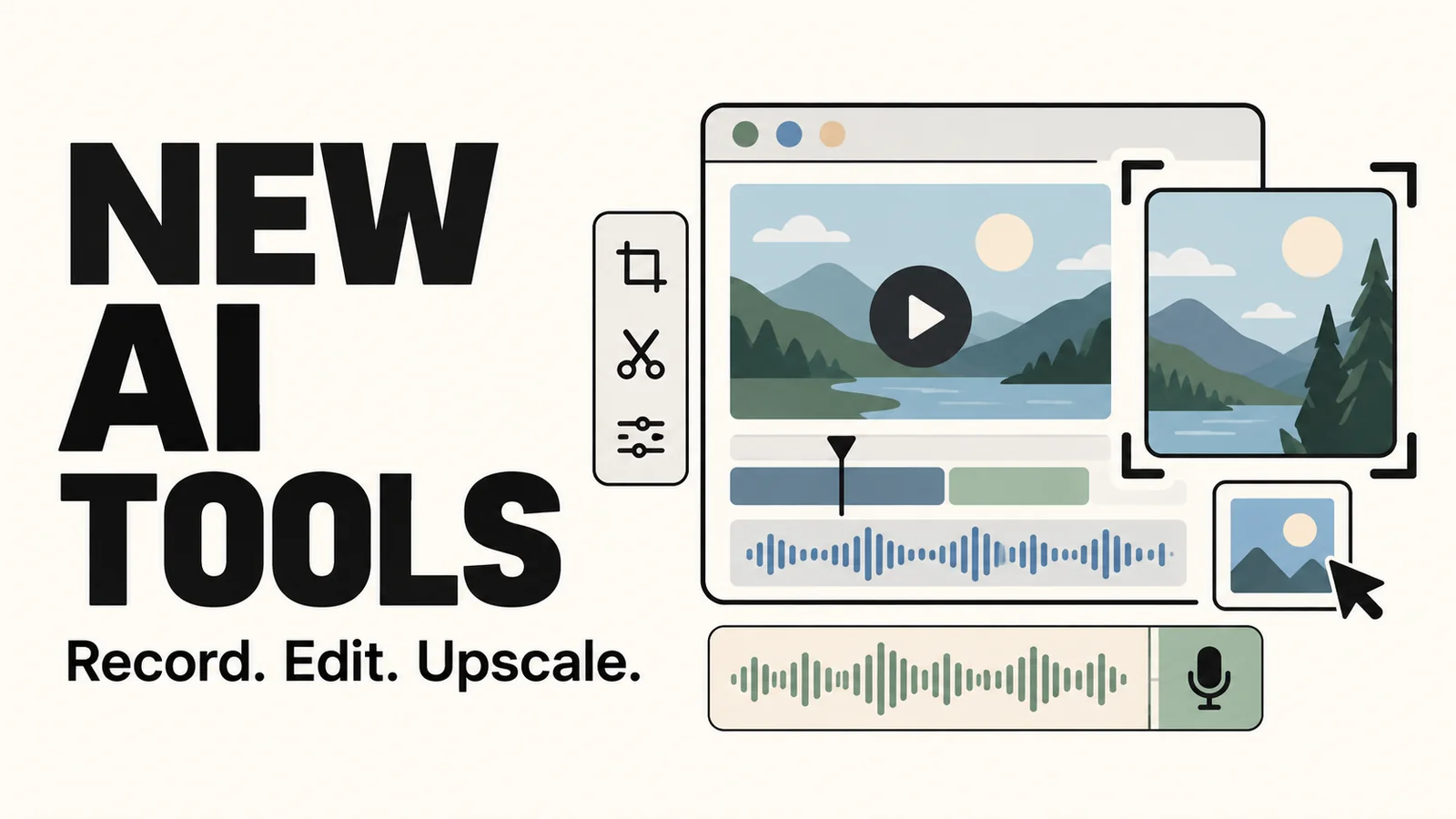
We’ve added screen recording, video editing and image upscaling to our AI Tools section. This update covers common tasks such as recording a demo, preparing video files and creating cover images. All of the new tools run in your browser.
Screen recording and video tools
Screen recording: Record a screen, window or browser tab, with optional microphone audio and a camera overlay.
Video compression: Adjust quality and output dimensions to reduce file size for sharing or storage.
Blur and mosaic: Select an area to cover and set when the effect appears.
Video watermark cleanup: Repair small, fixed marks and preview the result before exporting. Best suited to simple backgrounds.
Video frame extraction: Select a frame and export it as PNG, JPG or WebP for a cover or illustration.
Reverse video: Reverse a clip’s playback and export the result.
Video volume: Adjust the audio level or export a silent version.
Video metadata: Edit the title, author and other details when organizing media files.
Image upscaling
The new image upscaler supports 2× and 4× enlargement. A comparison slider lets you check the result against the original before downloading it as PNG, JPG or WebP.
Our existing OCR tool remains available for extracting text from screenshots and photos.
Usage notes
The new tools listed above process images and videos locally in your browser without uploading your media. Some need to load processing components on first use. Keep the page open during processing and download the finished file. Use a desktop browser for screen recording.
Local repairs work on fixed marks and cannot recover the content hidden beneath them. Image upscaling may alter text, faces and other fine details, so review the output before saving.
Find the full set of links in AI Tools on the homepage.
Comments 0
Comments are disabled for this article.
Loading comments…