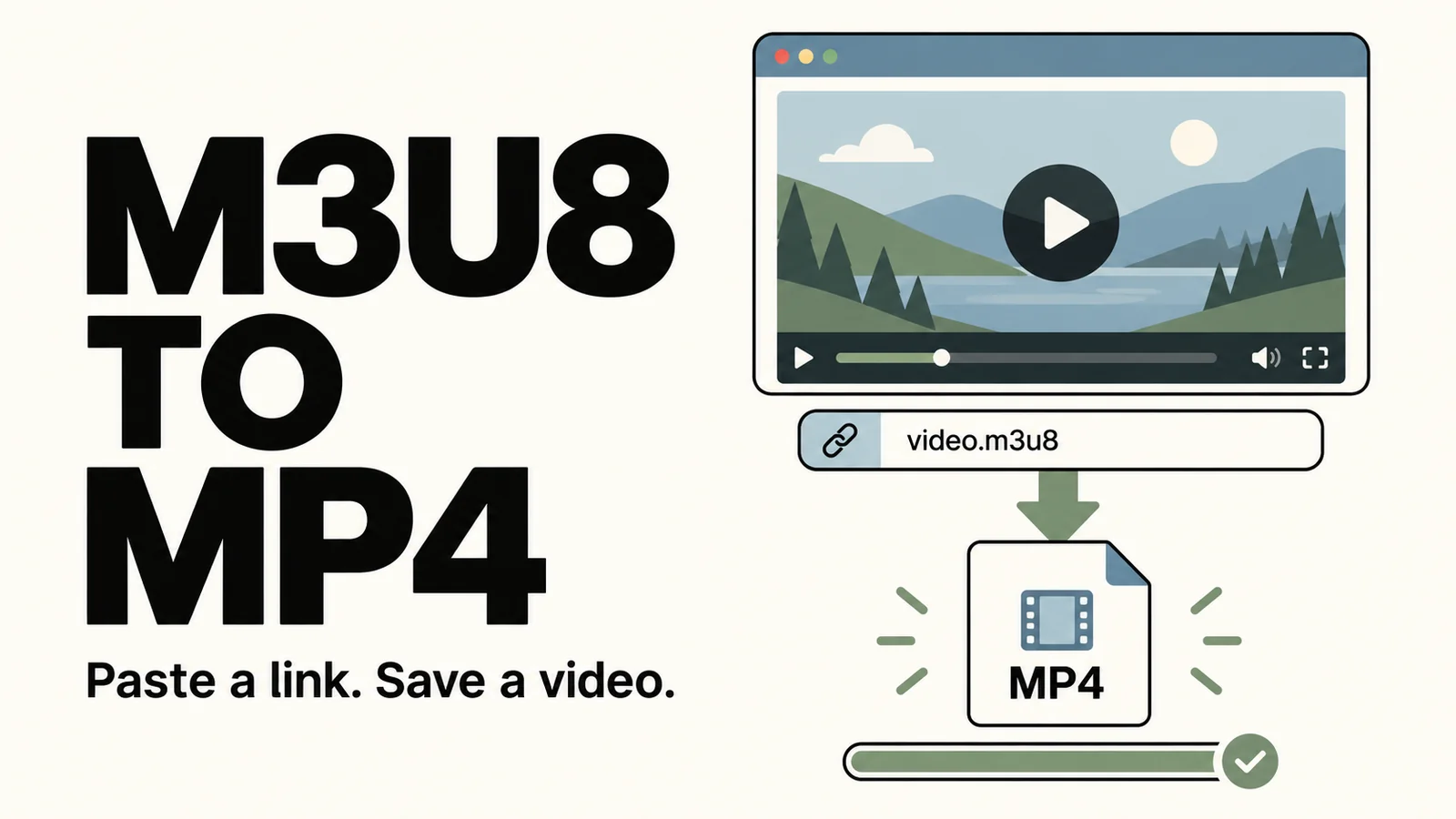
Our Online M3U8 Downloader is now available on our site. If you have an M3U8 playlist URL, you can load the video, select its quality and audio track, and save a complete MP4 in your browser without installing the app.
MP4 is the default output format. Folder and ZIP options are also available for saving the original HLS playlist and media files. The available quality, audio and subtitle options depend on the source video.
How to use it
Open the Online M3U8 Downloader, paste the full playlist URL and load the playlist.
Select a quality, audio track and subtitles where available. Keep the defaults if the source has no alternatives.
Choose a save format and enter a filename. Use the default MP4 option for a regular video file.
Start saving and wait for the download and merge to finish. Preview the picture and sound, then download the file.
An example video is available on the page for trying the full process.
Saving and downloading
Progress is shown during the download, and you can pause and resume on the same page. Tasks are not restored after refreshing or closing the page.
MP4 is suitable for offline viewing and everyday storage. Folder and ZIP exports contain the original HLS resources and require a player that supports local HLS. Extract ZIP files before playback. Larger videos need more device memory; try a lower quality if processing fails.
Supported sources
The tool requires a complete, valid M3U8 playlist URL. Regular video pages and share links cannot be used directly. It supports completed videos; ongoing live streams, private videos requiring sign-in and DRM-protected content are not supported.
Your browser fetches the video directly from its source and processes it locally, without routing it through our servers. Some hosts restrict access from browser tools, so a video may play on its original site but fail to download here. Processing components need to load before your first MP4 export. Keep the page open until the task finishes.
Tool: Online M3U8 Downloader.
Comments 0
Comments are disabled for this article.
Loading comments…