A video plays on your computer but not your TV. A MOV from your camera is huge, while a downloaded MP4 is much smaller. It is tempting to rank the formats by quality or file size, but the filename extension cannot tell the whole story.
The container holds media; the codec compresses it
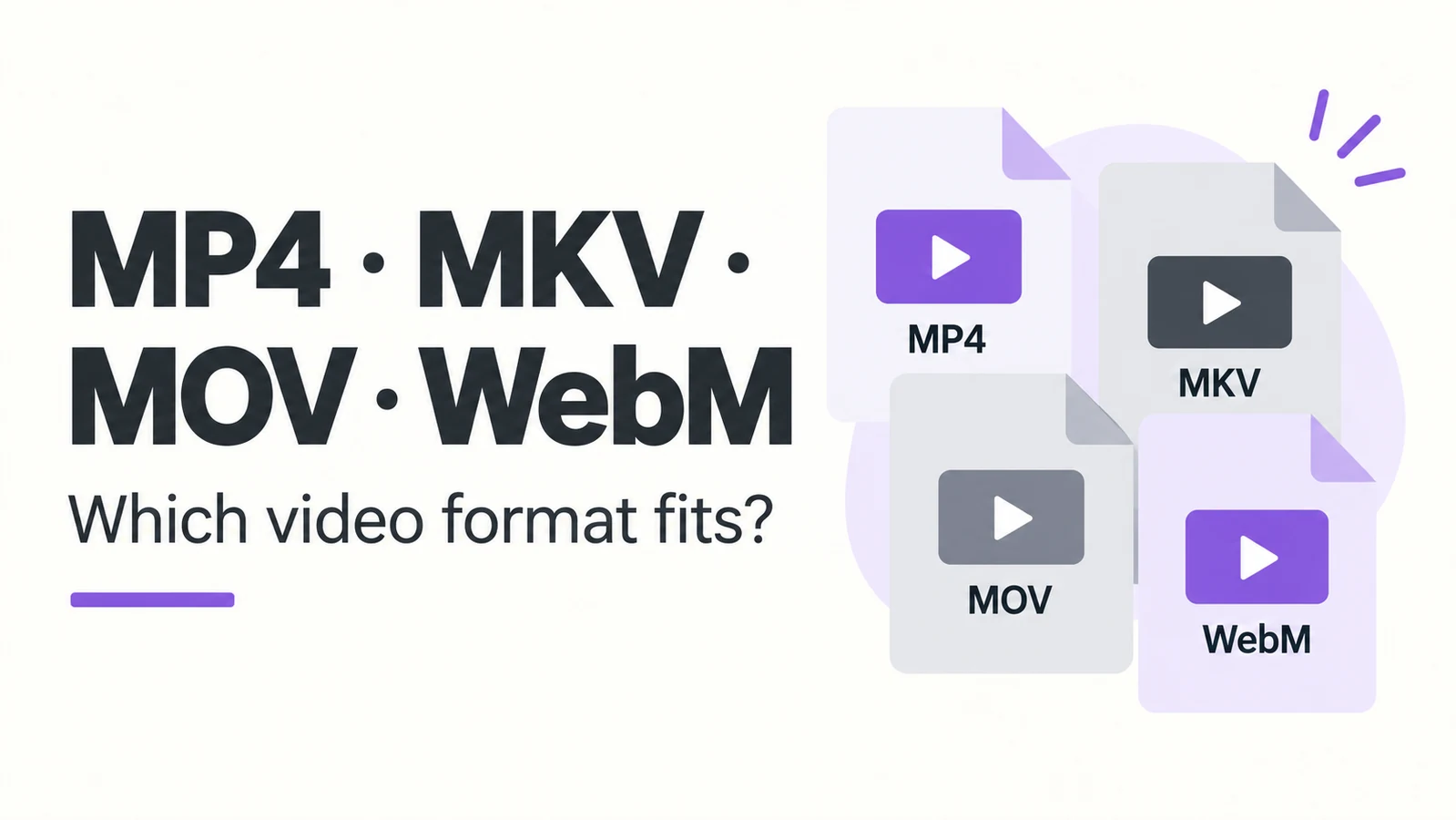
MP4, MKV, MOV and WebM are media containers. They organize picture, sound and supported information such as subtitles and timing. H.264, HEVC and AV1 are examples of video codecs; AAC and Opus are audio codecs.
Two MP4 files can therefore use different codecs and behave differently on the same device. Duration and media bitrates strongly affect file size. Source quality and encoding choices affect the picture. An MKV or MOV extension is not a quality rating.
Background: MDN media container formats
Where you are likely to meet each format
MP4 is common for everyday playback and sharing. An MP4 with H.264 video and AAC audio is often a useful compatibility starting point, though resolution, codec profile and other settings still matter. An older device that handles H.264 may reject HEVC inside the very same container.
MKV is useful for keeping multiple audio tracks, subtitles and chapters together. Its flexibility makes it practical for local files with several playback options. That does not mean every television, browser or editor can handle every track in an MKV.
Tracks and chapters: Matroska specification
MOV is associated with QuickTime and is common in capture and editing workflows. It might contain H.264, HEVC or an editing-oriented codec such as ProRes. Some of those workflows produce large files; MOV itself does not require a large file or make a picture sharper.
WebM is intended for web media and uses a constrained set of container and codec combinations. VP8 or VP9 video with Vorbis or Opus audio are familiar examples. For a website, check the target browsers’ support for the actual codecs. TV playback and editing-software support need their own checks.
Format background: WebM Project FAQ
Choose for the next person or device
For ordinary sharing, consider the receiving device first. H.264 and AAC in MP4 can be a sensible starting point. If an existing file already works, there is no need to convert it merely to standardize the extension.
To retain several languages, subtitles and chapters, MKV can be convenient when the player supports them. For an editing handoff, follow the editor’s requested container, codecs and settings: “send a MOV” is often not specific enough. For web delivery, work from the playback setup and intended browsers.
Changing containers is different from re-encoding
Remuxing puts existing encoded streams into another compatible container without compressing them again. Transcoding re-encodes media, often to change compatibility, bitrate or dimensions. It usually takes more processing and can change quality.
Renaming .mkv to .mp4 does neither. The underlying file structure stays the same. If a conversion tool says the destination does not support a subtitle or audio track, decide what must be retained before proceeding; otherwise a successful conversion may still lose something you wanted.
When a file will not play
Check the container, then the video and audio codecs, then relevant details such as resolution, bit depth and channel layout. A player’s media-information panel can help. If only audio is failing, you may not need to re-encode the picture at all.
The useful question is what the receiving app or device needs. There is no single extension that guarantees the smallest file, best picture and widest compatibility at once.
Comments 0
Comments are disabled for this article.
Loading comments…