You find a video worth keeping, right-click it, and get the website’s own menu instead of Save Video As. Or you copy what looks like a video link, only for a download tool to reject it. Often, the missing piece is simple: one player on screen does not necessarily mean one downloadable file behind it.
A missing menu does not prove the video is encrypted
When a page points directly to a conventional video file, a browser may offer a save option. A website can also replace the context menu or place its own controls over the video. Those interface choices alone tell you little about the media’s protection.
The reverse is also true: a download starting does not prove you have the whole video. You might have saved a webpage, a playlist or only one media track. Opening the result and checking it matters more than the download notification.
The player may be assembling a stream
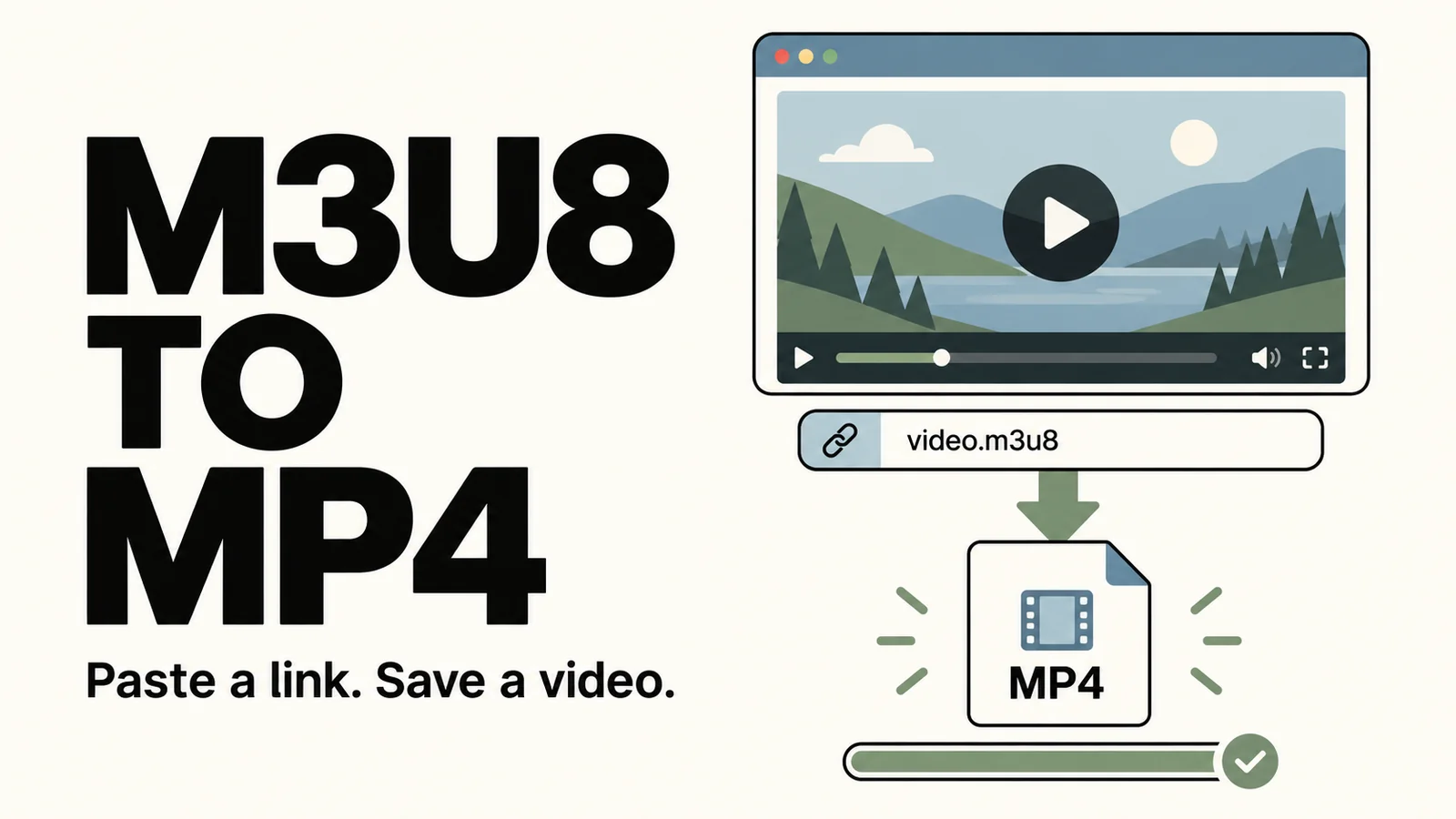
Many services use HLS or DASH. A player reads a manifest and requests a sequence of media segments, sometimes fetching picture and sound separately. The browser turns those pieces into continuous playback; there may be no single ready-made MP4 behind the visible player.
Media Source Extensions, usually shortened to MSE, lets page scripts feed media into the browser’s playback buffers. A site using this approach does not have to offer a complete file for the browser’s right-click menu. Switching browsers may therefore change nothing.
How the browser handles this: MDN Media Source API
A blob: URL is not an ordinary download link
A blob: URL refers to a browser-managed object, such as a Blob or MediaSource. In a streaming player, it may represent the media source managed by that page. Copying the text to another device does not transfer the underlying media.
That does not make every blob: URL encrypted or unusable for downloads. Websites also use Blobs for normal file downloads. What matters is the object behind the address, whether it contains the complete file, and whether the reference is still valid.
More about these addresses: MDN blob: URLs
Why a real HTTPS link can still fail
Media links can expire or depend on a signed-in session. The page may have access that a separate download tool does not. If a previously working link stops working, first check that the original page still plays and use the service’s supported download flow again.
Some services also use DRM, where playback requires a supported player and a license. Watching in a browser does not necessarily include exporting a normal video file. An official offline option may keep content inside the service’s own app.
A practical order to try
Start with the page’s download or export button, or the official app’s offline option. For your own uploads, check the creator dashboard for the original file. That is often a better source than the playback version.
For videos available to save with a compatible tool, use the full page or share link where the tool supports it. A random segment URL is rarely a substitute. After downloading, play the beginning, middle and end, check the audio, and compare the duration.
There is usually no reason to reinstall your browser just because one website hides Save Video As. Working out whether you are dealing with a custom menu, segmented delivery or an expired session gives you a much better next step.
Comments 0
Comments are disabled for this article.
Loading comments…