You save a video and receive a tiny .m3u8 file. Open it in a text editor, and you see URLs and lines beginning with # instead of a playable movie. Where did the video go?
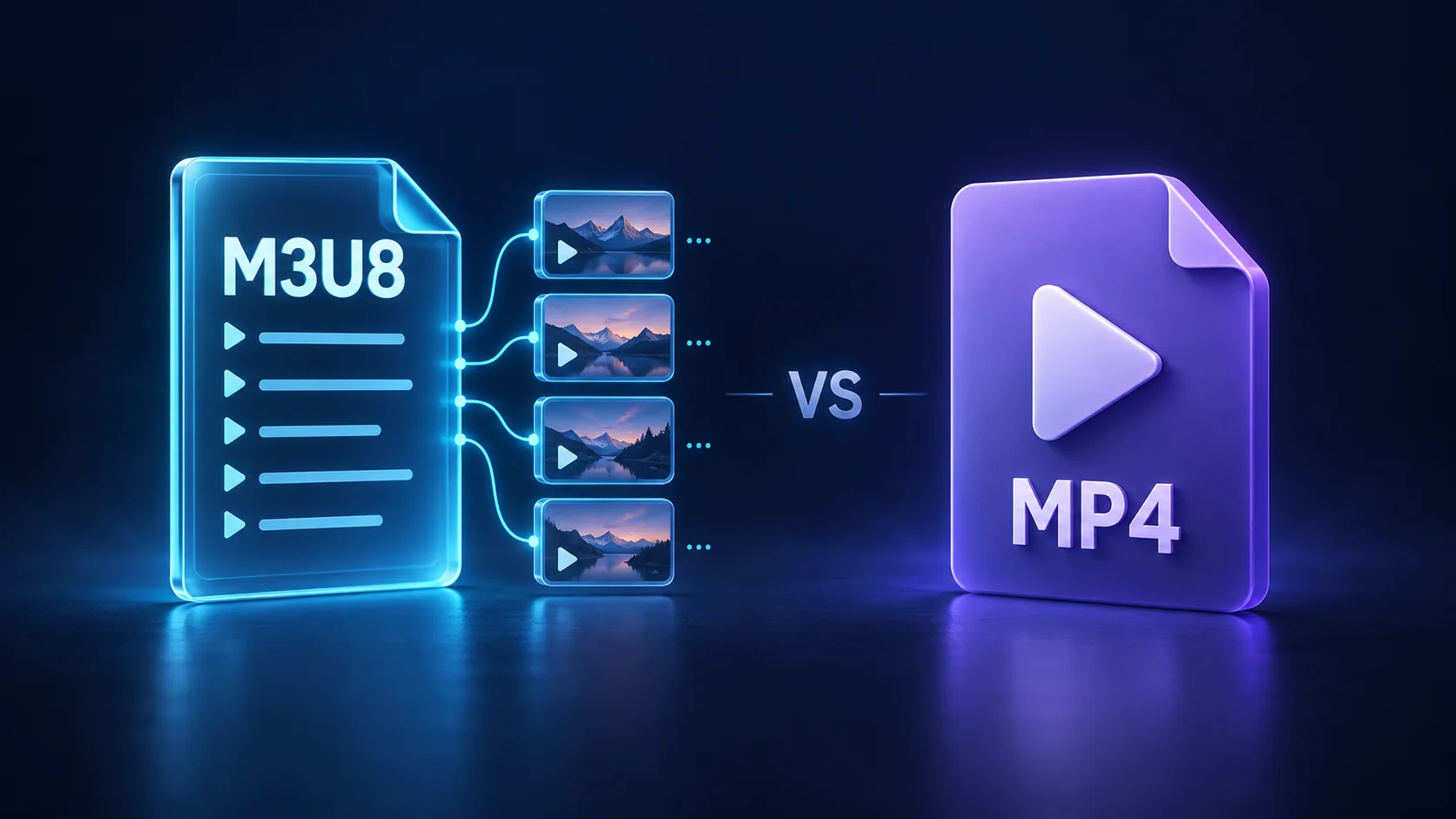
An M3U8 file is usually a playlist that tells a player where to find media. MP4 is a container that holds actual media data. They serve different roles, so changing the file extension cannot turn one into the other.
What is an M3U8 file?
M3U8 is a UTF-8 encoded M3U playlist. On video websites, it commonly acts as the entry point for HTTP Live Streaming, or HLS. A player reads the playlist and retrieves the referenced media. The playlist itself is usually small because it does not contain the pictures and sound. See the HLS specification.
A master playlist can point to several quality variants; a media playlist identifies the segments for a particular rendition. Automatic quality switching requires suitable variants and player support. The presence of an M3U8 file alone does not guarantee it.
Here is a simplified educational example. The segment names are placeholders:
#EXTM3U
#EXT-X-VERSION:3
#EXT-X-TARGETDURATION:6
#EXTINF:6.0,
segment-001.ts
#EXTINF:6.0,
segment-002.ts
#EXT-X-ENDLIST
It lists two segments of about six seconds each. The final line says that no more segments will be added. HLS can use MPEG-TS or fragmented MP4 media, so HLS playlists and MP4-based media can also work together.
What is MP4?
MP4 is a media container: a file structure that can hold video, audio, and metadata. It is different from a codec. The container organizes the data; codecs such as H.264 or HEVC determine how video is compressed.
Two .mp4 files can therefore differ in quality, size, and compatibility. A device must support both the container and the codecs inside it. H.264 video with AAC audio is a common compatibility choice, although support still depends on the playback environment. The MDN container guide explains this distinction.
M3U8 vs. MP4 at a glance
Feature |
|---|