Image to Text Online: How to Use OCR to Copy Text from Screenshots
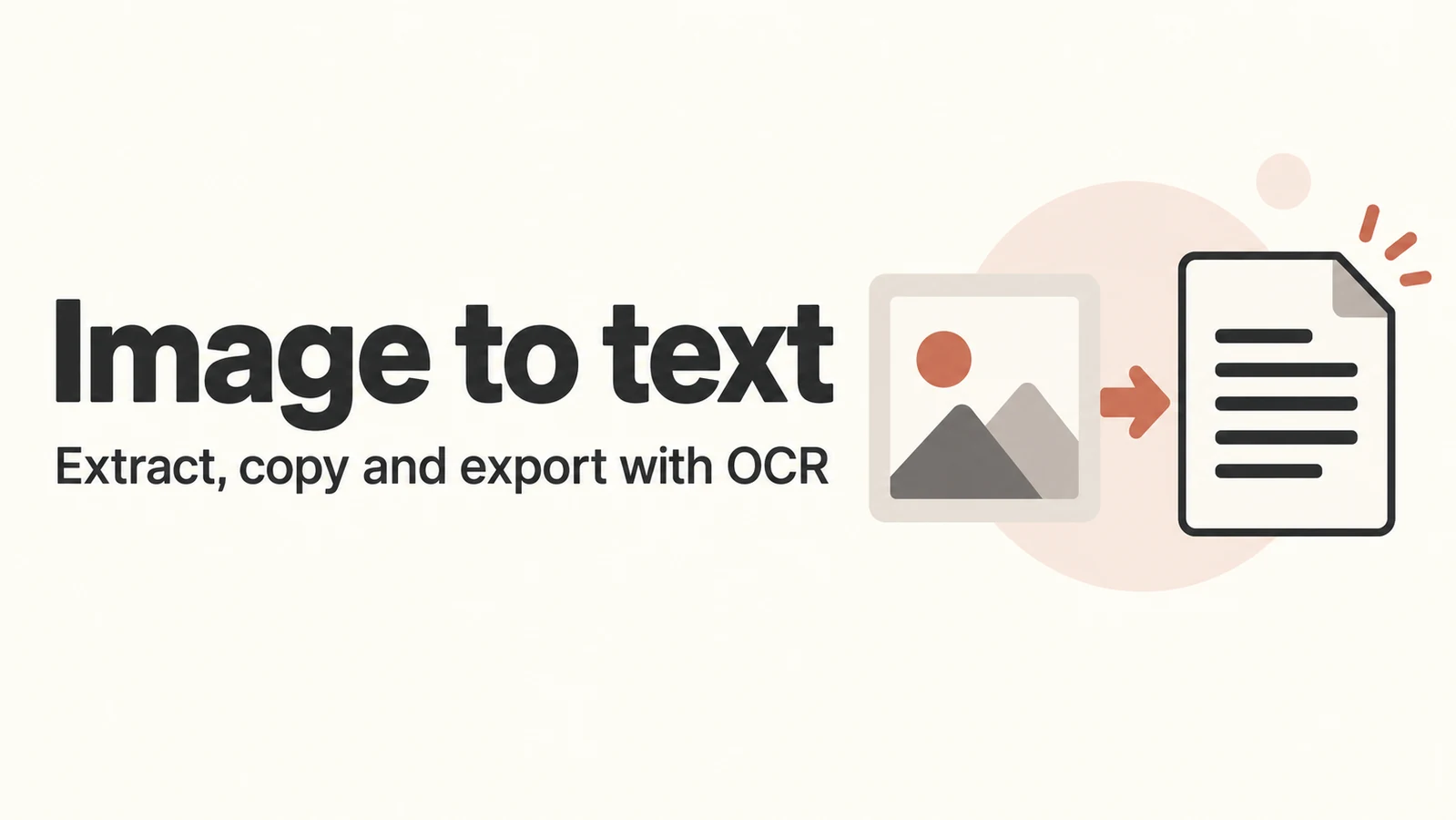
Have a screenshot with text you can't select, or a printed page you don't want to retype? OCR Text Recognition extracts text from an image so you can edit it, copy it into another app, or save it as a text file.
Use it for screenshots, document photos, posters, and receipts. Recognition runs in your browser; your image is not uploaded to a server.
Turn an image into text
Open this site's OCR Text Recognition page. Leave V6 Balanced selected to start with.
Click Choose image, drag an image onto the page, or use Paste image to add a screenshot. You can also press Ctrl + V on your computer.
Check the preview, then click Recognize text. The first time you use a mode, the browser needs to download its recognition files before it starts.
Compare the Recognition result with the original image. Fix any spelling mistakes or unwanted line breaks in the Full text editor.
Click Copy all to use the edited text, or Export TXT to save it as a text file.
For a single sentence, use the copy button in Line-by-line results, or select the recognized text over the image. Changes in the full text editor apply to Copy all and Export TXT; the individual lines keep the original recognition results.
Which mode should you choose?
V6 Balanced is a good starting point for everyday screenshots.
V6 Fast prioritizes speed for short, clear text.
V6 Accurate is worth trying for detailed documents or complex images, though it may take longer.
Start with Balanced and check the result. You can switch modes and run recognition again if needed.
Supported images and better results
You can use JPG, PNG, WebP, or BMP files, one image at a time, up to 50 MB each. PDFs cannot be added directly; save the page you need as an image first.
If words are missing, try a clearer image or crop out unrelated background. For photos of printed pages, keep the page flat and evenly lit, without glare. Double-check names, amounts, and reference numbers against the original.
Save your text before leaving
Refreshing or closing the page clears the current image and result. Copy the text or export a TXT file before you leave. Initial setup requires an internet connection to download recognition files, but your image is not sent to this site or the model provider.
Comments 0
Comments are disabled for this article.
Loading comments…