Douyin Video Downloader: How to Save Videos and Audio from a Share Link
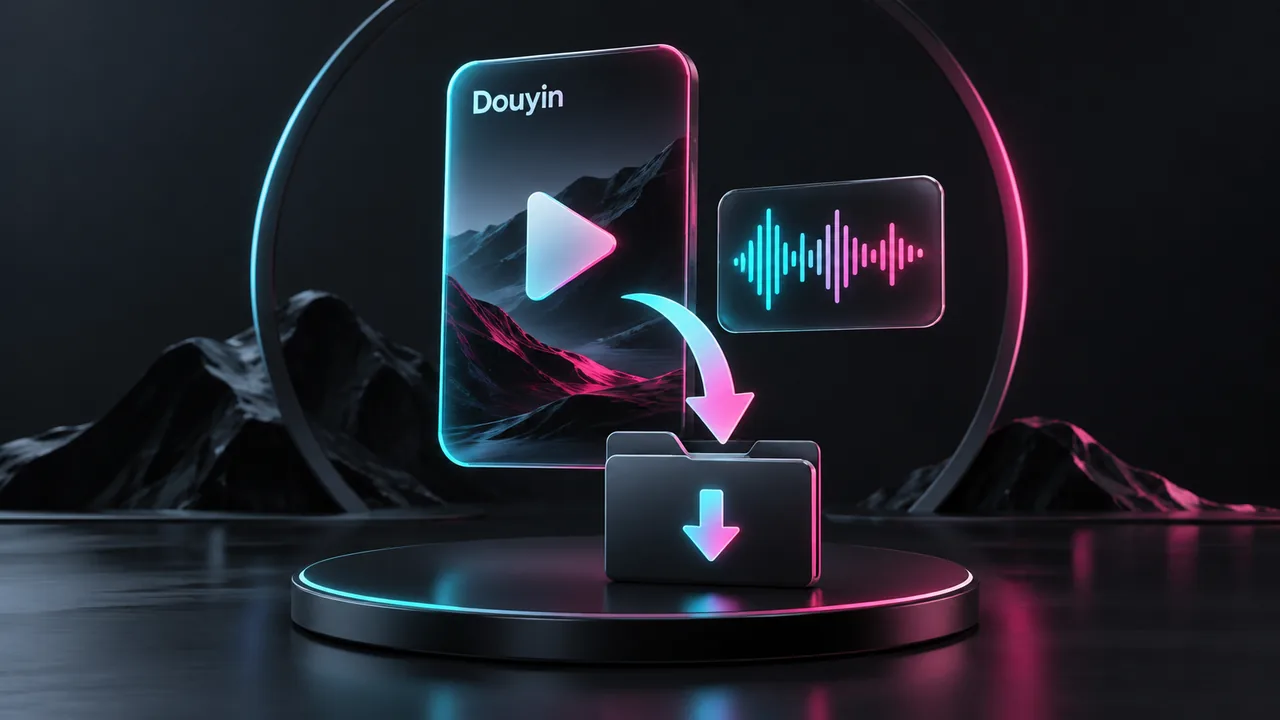
Need a backup of a video you posted on Douyin, or a local copy of something you want to revisit? This site's Douyin Video Download page lets you paste a share link, check the returned post details, and use the available download options.
Some results also include a separate audio download. The options shown on the results page determine what you can save.
Download from a Douyin share link
Open the video in Douyin and copy its link from the sharing menu.
Open this site's Douyin download page and paste the copied content into the input field. You can try pasting the full sharing message; the page will attempt to extract its URL.
Click the button to get the video. On a small phone screen, use the send icon at the right of the input field.
If a verification window appears, complete the check and confirm. Wait for the result without repeatedly submitting the link.
Check the title, author, and cover image to make sure you have the right post.
Open the Video tab, choose an entry, and click Download to save it.
The input accepts Douyin share links, such as v.douyin.com addresses, as well as Douyin video page URLs. If a link is rejected, try submitting only the complete URL.
Save just the audio
When audio is available, switch to Audio and click Download Audio. Check the format shown on the entry; the file is not necessarily an MP3.
If the Audio tab is unavailable, no separate audio download was returned for that request. Not every post includes this option.
Choose between video entries
Start with the Resolution shown on each entry. You can download a video without understanding the other figures. Choose a higher resolution if you want more picture detail, although the final result still depends on the original video.
Several download buttons within one entry offer different links. You only need one; try another if the first does not work.
The video opens but doesn't save
On a phone, return to the results and press and hold Download to look for a save or download-link option. On a computer, right-click the button and choose Save link as.
On iPhone or iPad, choose Download Linked File if the menu offers it, then check the Files app. On Android, check the browser's download history. Expand Download Help on the page for instructions organized by device.
If no result appears
Check that the original post still opens, then copy a fresh share link and retry. If verification failed, complete a new check. When no video or audio link is returned, the page has no corresponding file available to download.
Download links are temporary. Save the file soon after retrieving it, and get fresh links if a download stops or an old link no longer works.
Comments 0
Comments are disabled for this article.
Loading comments…